GloMap
Create beautiful roadmaps from the data you already have
Bring your data, pick a theme, share a roadmap people actually read.
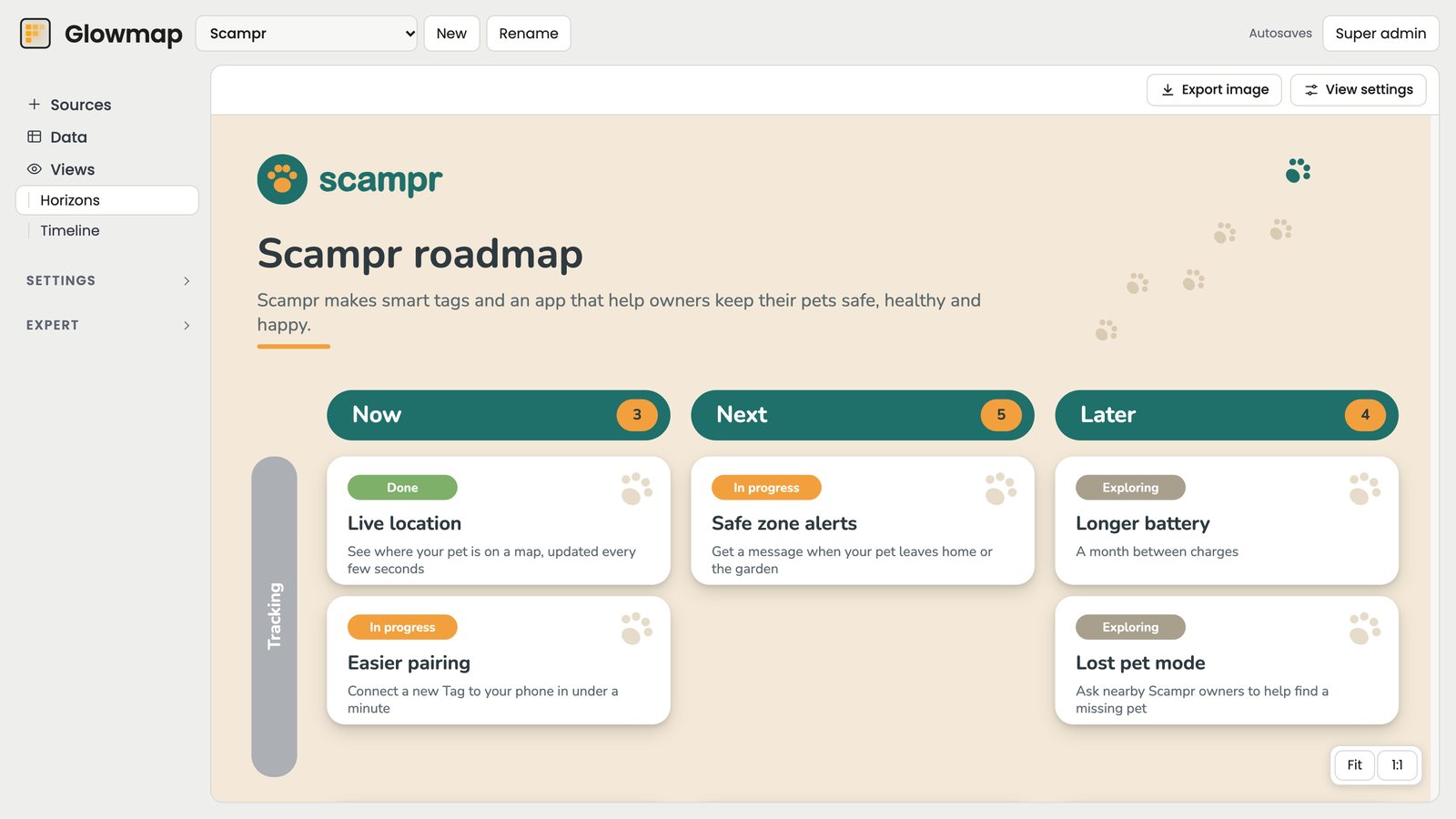
Bring your data, pick a theme, share a roadmap people actually read.
The roadmap your execs see is already out of date, each audience has a different version, and someone loses a day dragging rectangles around every time the work changes.
What you probably do today
Planning tools are built for the team doing the work, not the people the roadmap is shown to. GloMap is built for them. Bring in your spreadsheet and it maps your fields, applies your brand and lays out every card, ready to share with every audience.
With GloMap:
Your roadmap holds your most sensitive information: where you're heading, how you'll measure it, the bets you're making and how you'll get there.
Most roadmap tools want you to import it all. GloMap connects to where your teams already work.
Customise every part of your roadmap: cards, columns, swimlanes, timelines and the canvas behind them.
Begin with one of our beautiful themes, or start from scratch with your own colours, fonts and logo.
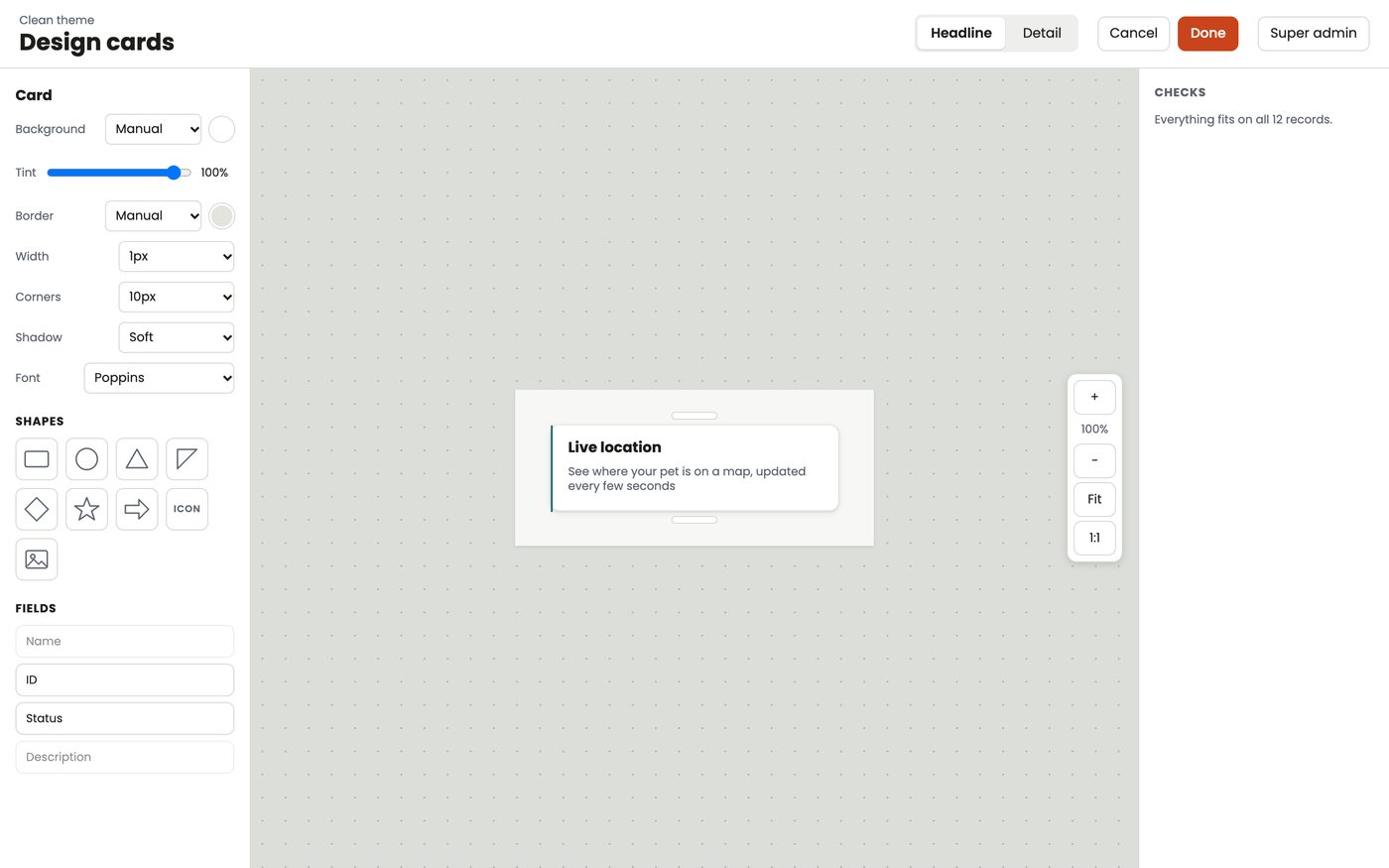
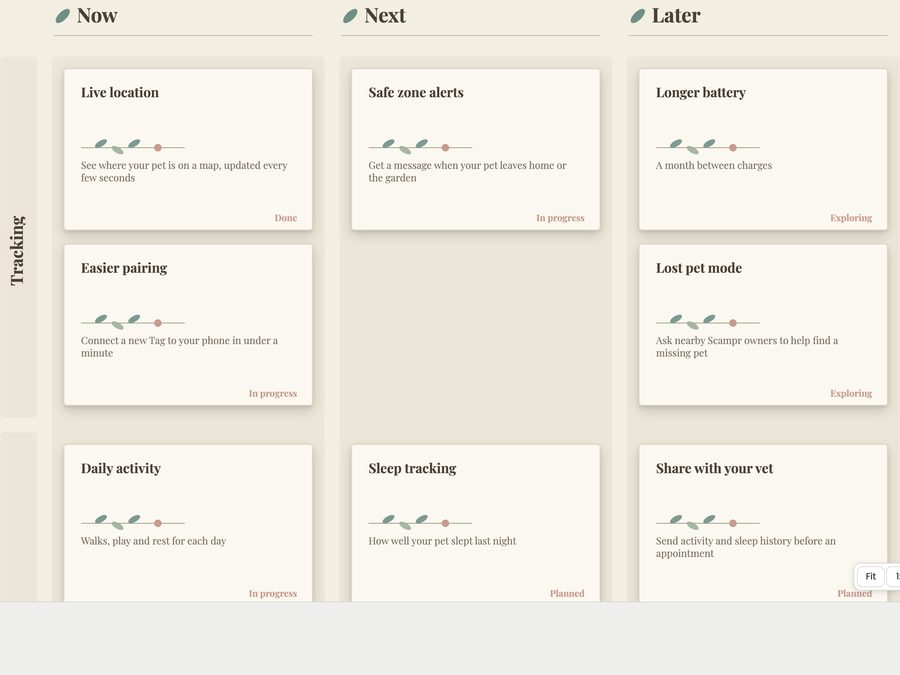
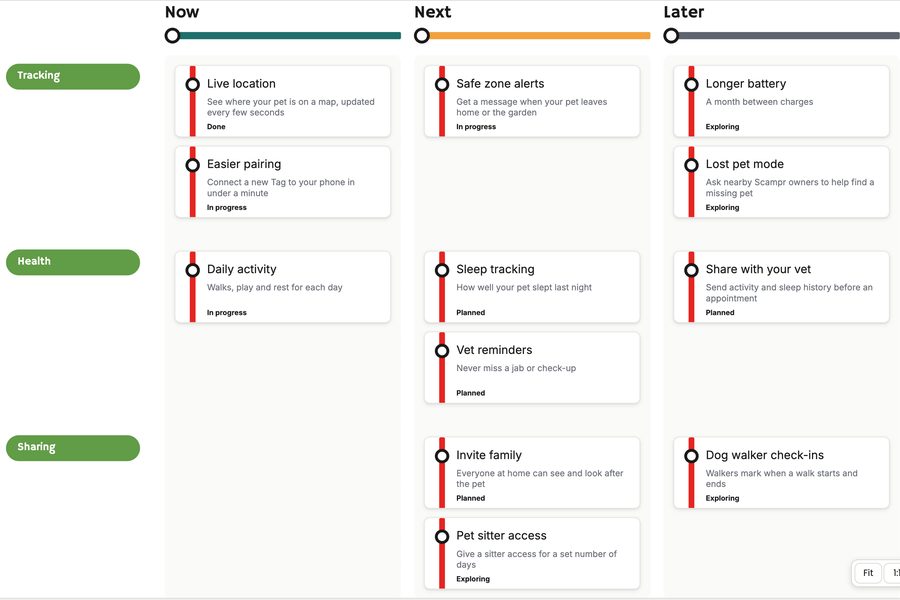
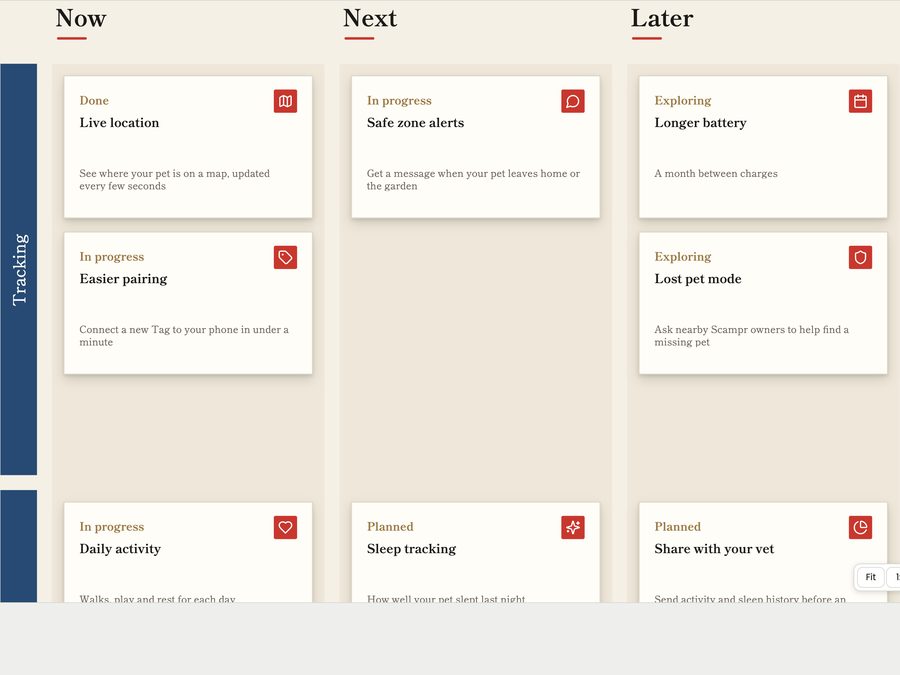
Open any card to see the detail behind it.
Export share-ready roadmaps that look gorgeous and stay on brand.
A crisp, high-resolution picture of your roadmap. Drop it into slides, documents, whiteboards or an email.
Your roadmap as a single web page, with cards that open, just like the one above. Add it to your wiki or intranet.
Update your work, export again, and everyone sees the latest version. A simple step whenever someone asks for the roadmap.
GloMap is made by Justin Woods of Roadmap Heroes. It's built on 10 years of helping teams create realistic roadmaps, and making sure the people they're shared with can actually read them.
Your roadmap data stays in your spreadsheet. GloMap reads it each time you open your roadmap and doesn't keep your records. What GloMap does save is your setup: your themes, designs and settings.
Connect an Excel spreadsheet with a shared link from OneDrive or SharePoint, upload a spreadsheet, or add a CSV file. GloMap reads your columns and asks a few plain questions about what they mean.
Yes. Add your logo and brand colours once, or pick the colours from an image, and they're ready in every design. Choose a theme, then change any card, column, swimlane or background in the designers, down to the font.
Export your roadmap as an image and drop it into your slides, email or intranet page. When the spreadsheet changes, open GloMap and export again.
GloMap is in early access. Register your interest and we'll show you the prototype.